
How to Download image in HTML?
You want to add the functionality of downloading images in HTML. And you want to use something other than JavaScript. You want to do this in HTML and CSS. Well, in this article, I am going to help you, and you will learn how to download an image in HTML. But you should know HTML and CSS. If you are a beginner, don’t worry. I will give you the source code for this feature.
But I will also tell you how to download images in HTML, CSS and JavaScript. Javascript is essential if you want to make your website interactive. So, In this article, I will tell you two methods to download images in HTML. One method is downloading images using HTML and CSS; the other uses HTML, CSS and JavaScript.
Method 1: Download image in HTML
- Step 1: Create a Button in HTML
- Step 2: Design this button in CSS
- Step 3: Add functionality in HTML
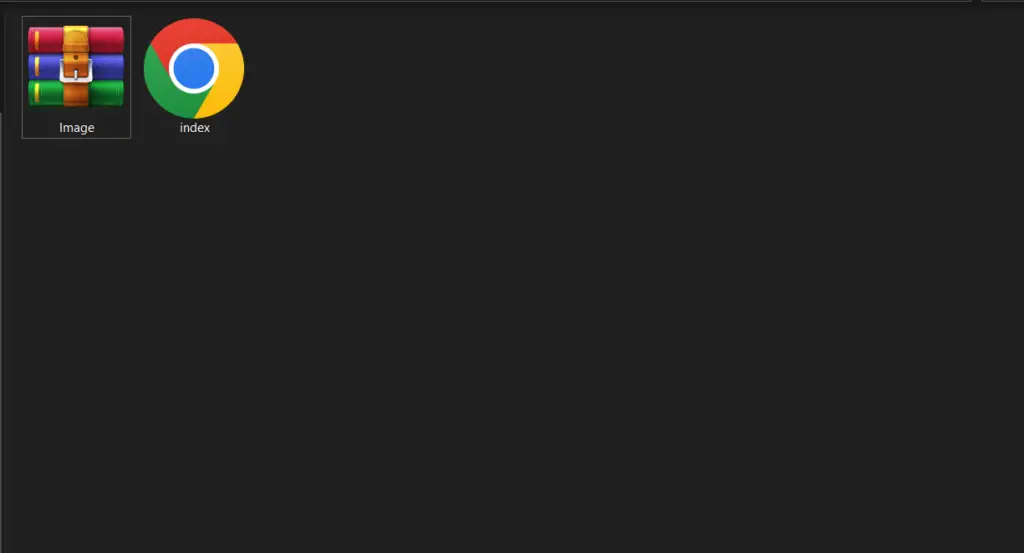
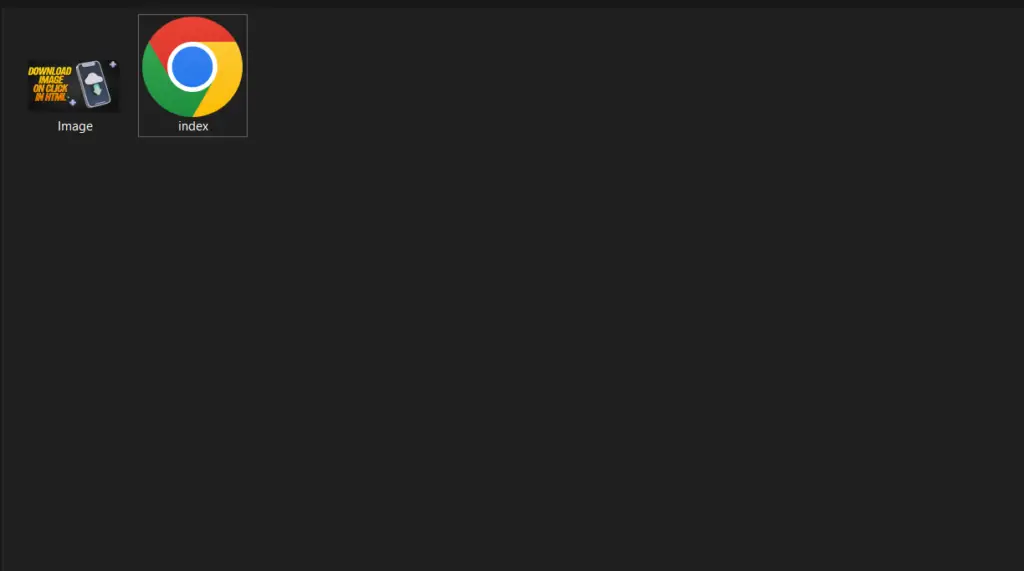
Note: Image should be in same folder where you are creating HTML file.
Creating a Button in HTML
First of all, we will create an HTML Button. Here is the source code to create a button in HTML.
				<!DOCTYPE html>
<html>
<head>
    <title>Download image in HTML</title>
</head>
<body>
<br><br>
<button>Download Now</button>
</body>
</html>
Creating a Button in HTML
As we have created a button, we will style and make it beautiful.
				<style type="text/css">
    *{
        margin: 0;
        padding: 0;

    }
    body{
        text-align: center;
    }
    button{
        width: 150px;
        height: 30px;
        background-color: orangered;
        color:white;
        border:2px solid orangered;
        font-size: 18px;
        font-family: sans-serif;
        border-radius: 5px;
    }
    button:hover{
        background-color: transparent;
        color:orangered;

    }
</style>
Adding download image functionality in HTML
Now, we are ready to add download image functionality in HTML. Here is the complete code for you.
				<!DOCTYPE html>
<html>
<head>
    <title>Download image in HTML/title>
</head>
<style type="text/css">
    *{
        margin: 0;
        padding: 0;

    }
    body{
        text-align: center;
    }
    button{
        width: 150px;
        height: 30px;
        background-color: orangered;
        color:white;
        border:2px solid orangered;
        font-size: 18px;
        font-family: sans-serif;
        border-radius: 5px;
    }
    button:hover{
        background-color: transparent;
        color:orangered;

    }
</style>
<body>
<br><br>
<a href="webpage.zip"><button>Download Now</button></a>
</body>
</html>
Method 2: Download image in HTML, CSS and JavaScript
- Step 1: Create a Button in HTML
- Step 2: Design this button in CSS
- Step 3: Add JavaScript to add functionality
Creating a Button in HTML and CSS
Here we will create a HTML button and than we style it in CSS.
				<!DOCTYPE html>
<html>
<head>
  <title>Download Image on Button Click</title>
  <style>
    body {
      display: flex;
      justify-content: center;
      align-items: center;
      height: 100vh;
      margin: 0;
      background-color: #f5f5f5;
    }

    button {
      padding: 10px 20px;
      font-size: 16px;
      cursor: pointer;
      background-color: #FF8C00;
      color: #fff;
      border: none;
      border-radius: 5px;
    }

    button:hover {
      background-color: #FF4500;
    }
  </style>
</head>
<body>
  <button id="downloadButton">Download Image</button>
</body>
</html>
Adding JavaScript and download functionality
				<!DOCTYPE html>
<html>
<head>
  <title>Download Image on Button Click</title>
  <link rel="stylesheet" type="text/css" href="styles.css">
</head>
<style>
    button {
  padding: 10px 20px;
  font-size: 16px;
  cursor: pointer;
}

</style>
<body>
  <button id="downloadButton">Download Image</button>


  <script>
    document.getElementById('downloadButton').addEventListener('click', function() {
  var link = document.createElement('a');
  link.href = 'image.jpg';
  link.download = 'image.jpg';
  document.body.appendChild(link);
  link.click();
  document.body.removeChild(link);
});
  </script>
</body>
</html>
No, you should only use images that you have permission to use. This includes images in the public field, images licensed for usage, and images designed by you.
JPEG is best for images, PNG for graphics, and GIF for animations.
You can optimize images for the web by reducing the file size of the image, using the appropriate image format, and using image compression tools.

Final Year Projects

Data Science Projects

Blockchain Projects

Python Projects

Cyber Security Projects

Web dev Projects

IOT Projects

C++ Projects
-
Where Do YouTubers Get Their Music?
-
Top 20 Machine Learning Project Ideas for Final Years with Code
-
Why Creators Choose YouTube: Exploring the Four Key Reasons
-
10 Advance Final Year Project Ideas with Source Code
-
10 Deep Learning Projects for Final Year in 2024
-
30 Final Year Project Ideas for IT Students
-
E Commerce sales forecasting using machine learning
-
AI Music Composer project with source code
-
Realtime Object Detection
-
Stock market Price Prediction using machine learning
-
c++ Projects for beginners
-
Python Projects For Final Year Students With Source Code
-
20 Exiciting Cyber Security Final Year Projects
-
10 Web Development Projects for beginners
-
Fake news detection using machine learning source code
-
15 Exciting Blockchain Project Ideas with Source Code
-
Top 10 Best JAVA Final Year Projects
-
Hand Gesture Recognition in python
-
Artificial Intelligence Projects For Final Year
-
C++ Projects with Source Code
-
Best 21 Projects Using HTML, CSS, Javascript With Source Code
-
10 advanced JavaScript project ideas for experts in 2024
-
Credit Card Fraud detection using machine learning
-
20 Advance IOT Projects For Final Year in 2024
-
How to Download image in HTML
-
Hate Speech Detection Using Machine Learning
-
Python Projects For Beginners with Source Code
-
Plant Disease Detection using Machine Learning
-
How to Host HTML website for free?
-
Data Science Projects with Source Code
-
Artificial Intelligence Projects for the Final Year
-
Best 13 IOT Project Ideas For Final Year Students
-
Best Machine Learning Final Year Project
-
10 Exciting C++ projects with source code in 2024
-
Top 7 Cybersecurity Final Year Projects in 2024
-
Ethical Hacking Projects
-
Top 13 IOT Projects With Source Code
-
portfolio website using javascript
-
17 Easy Blockchain Projects For Beginners
-
10 Exciting Next.jS Project Ideas
-
Fabric Defect Detection
-
Phishing website detection using Machine Learning with Source Code
-
Heart Disease Prediction Using Machine Learning
-
Wine Quality Prediction Using Machine Learning
-
How to Change Color of Text in JavaScript
-
Diabetes Prediction Using Machine Learning
-
10 Final Year Projects For Computer Science With Source Code
-
South Africa Visa For UAE Residents: A Complete Guide
-
Car Price Prediction Using Machine Learning
-
Step-By-Step Complete Guide Of Freelance Visa Abu Dhabi In 2024